


Creating a home office that balances coziness with functionality can greatly enhance your productivity and overall work experience. Whether you’re working remotely full-time or just need a dedicated space for occasional tasks, designing your workspace thoughtfully is key. Here are some useful tips to help you create a home office that feels inviting and works well for your needs.
Choose the Right Location
Finding the ideal spot for your home office is the first step. Pick a quiet area with minimal distractions where you can focus. If possible, select a space with natural light, such as near a window, to boost mood and energy. Avoid high-traffic zones or places prone to noise, such as near the kitchen or living room.
Invest in Comfortable Furniture
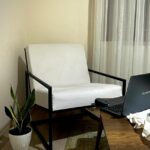
Comfort is crucial when you spend hours at your desk. Choose an ergonomic chair that supports your posture and a desk that fits your workflow. Adjustable chairs and desks, including standing options, can help prevent fatigue and discomfort. Don’t forget a footrest or cushions for extra support if needed.
Optimize Lighting
Lighting affects both functionality and ambiance. Use a combination of natural light and artificial sources. Position your desk to make the most of daylight without causing glare on screens. Add task lighting such as a desk lamp with adjustable brightness for focused work during darker hours.
Organize Your Workspace
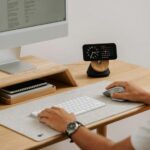
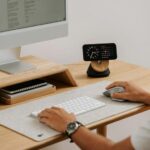
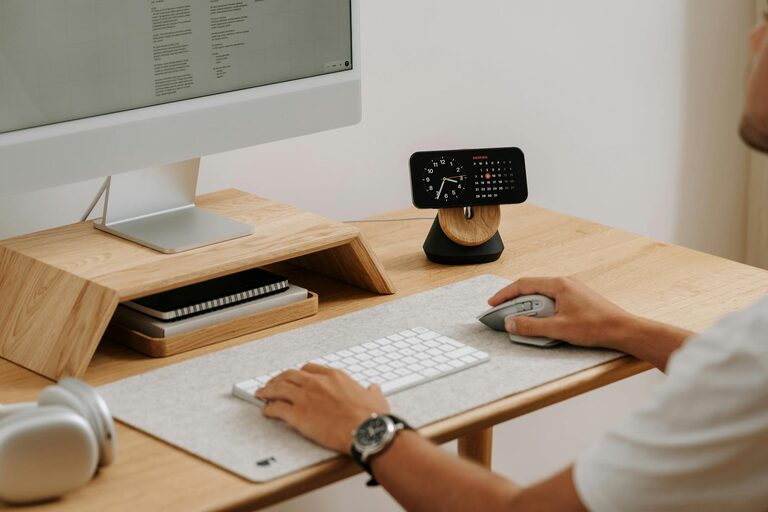
Keeping your workspace tidy improves clarity and efficiency. Invest in storage solutions like shelves, filing cabinets, or drawer organizers to keep clutter out of sight. Use cable management tools to keep cords neat and avoid tangled messes. A clean desk helps maintain focus and reduce stress.
Personalize Your Space
Make your home office feel welcoming by adding personal touches. Hang artwork or photos that inspire you, place a few plants to improve air quality and mood, or use colorful accessories that brighten up the room. This helps create a positive environment where you enjoy spending time.
Incorporate Functional Technology
Equip your home office with the right technology to enhance your workflow. A reliable computer, high-speed internet, and essential peripherals like a printer or extra monitor can make your job easier. Choose devices that meet your work requirements without overcrowding your desk.
Minimize Distractions
To maintain focus, create boundaries that limit interruptions. Use noise-cancelling headphones or white noise machines if external sounds are an issue. Inform family members or roommates about your work schedule to reduce unexpected disruptions.
Pay Attention to Ergonomics
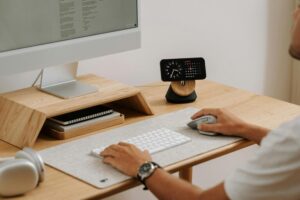
Set up your workspace to reduce strain on your body. Position your monitor at eye level and about an arm’s length away. Keep your keyboard and mouse within easy reach. Take regular breaks to stretch and move around, which helps maintain health and productivity.
Add Cozy Elements
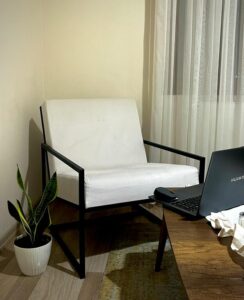
Comfortable features can make your office a relaxing spot. Add a soft rug, cozy throw blanket, or extra cushions to your chair. Use warm color tones or ambient lighting like string lights or candles to create a calming atmosphere without sacrificing professionalism.
Establish a Routine and Boundaries
A dedicated home office supports a consistent work routine. Set specific work hours and stick to them to separate your professional and personal life. When you finish your day, close your office door or put away work materials to signal that work time is over.
—
Designing a cozy and functional home office is about balancing comfort and efficiency tailored to your needs. By thoughtfully selecting your space, furnishings, lighting, and organization methods, you can create an environment that supports your productivity and well-being every day. Start small, experiment, and adjust your setup as you find what works best for you.


More Stories
Tips for Creating a Productive Home Workspace
Tips for Creating a Cozy and Productive Home Workspace
Tips for Creating a Cozy and Inviting Home Environment